

Flipper Zero vs T-Embed CC1101: A Hacking and Pentesting Comparison
 By SecureTechware
The Flipper Zero and LilyGO T-Embed CC1101 are both popular portable hacking tools, but they take different approaches. Flipper Zero is a polished, ready-to-use multi-tool that covers a wide range of wireless protocols out of the box. The T-Embed CC1101 is an ESP32-S3 development board with built-in radio and NFC hardware – think of it as a DIY hacking platform. In practice, Flipper Zero feels like a gadget you pick up and use immediately, while T-Embed is more like a customizable toolkit that you flash with firmware. Below we compare them on common pentesting tasks (RFID/NFC, radio, IR, Wi-Fi, BLE, signal emulation) and note how community firmware like Flipper Unleashed, RogueMaster, Bruce and Capibara expand their capabilities.

RFID/NFC Cloning
- Flipper Zero: Flipper Zero has integrated LF (125 kHz) and HF (13.56 MHz) antennas. It can read, save, and emulate most proximity badges and NFC cards via a simple menu interface. For example, you select “Read RFID” or “Read NFC”, tap a card, and Flipper dumps its data to the SD card. It supports common low-frequency tags (EM-Marin, HID Prox, Indala) and NFC standards (MIFARE Classic/Ultralight, etc.). This makes Flipper great for quickly cloning access cards or transit tags. Community firmware like Flipper Unleashed and RogueMaster unlock additional modes (e.g. raw read modes, custom keylists) and often add support for exotic card types that the stock firmware misses.
- T-Embed CC1101: The T-Embed CC1101 includes a PN532 NFC module for 13.56 MHz (HF) but no built-in LF antenna. With firmware such as Bruce or Capibara, it can dump NFC cards and write them back. For example, CapibaraZero can create “dumps” on the SD card and reprogram tags. However, using it takes more effort: you need to flash the device, navigate its menus or a web interface, and attach the PN532 properly. Also, it cannot read the older 125 kHz tags that Flipper handles out-of-the-box. In short, T-Embed can clone many NFC cards (MIFARE, NTAG, etc.) once set up, but it’s more manual work and misses low-frequency badges entirely. (Some users note the PN532 on T-Embed may not support all HF tag variants even with custom firmware.)

Conclusion: Flipper Zero is far more user-friendly for card cloning — it immediately reads and emulates LF/HF badges via its built-in UI. The T-Embed CC1101 can match Flipper’s NFC (13.56 MHz) cloning ability when flashed with Bruce or Capibara, but it requires extra setup and won’t handle 125 kHz cards. Flipper wins for ease of use, while T-Embed offers flexibility if you’re willing to configure it.
RF Signal Replay
- Flipper Zero: Flipper has a built-in sub-GHz transceiver (TI CC1101) with a multi-band antenna covering ~300–928 MHz (including 315/433/868 MHz common remotes). You can scan, record, and replay radio remote signals (garage openers, sensors, remotes) with a few button presses. For example, Flipper’s “Sub-GHz” menu lets you learn an RF remote code and then retransmit it later. It even handles common modulations (OOK, FSK). The workflow is very polished: hit “Learn”, press the remote button, and Flipper stores the raw signal. Community plugins/firmware can enhance this – for instance, Unleashed adds a raw spectrum view or RogueMaster includes additional decoding.
- T-Embed CC1101: The T-Embed’s CC1101 radio and antenna offer similar frequency coverage (300–928 MHz) with up to ~50m range. With Bruce firmware you get powerful RF tools: spectrum scanning, jam modes, custom sub-GHz configurations, and a “Replay” function. CapibaraZero also supports generic Sub-GHz operations. In practice, T-Embed can sniff and send arbitrary RF waveforms by code. It’s like having a mini SDR on hand. You might need to use buttons or a web UI to set frequency and initiate learn. Because it’s fully programmable, you can implement non-standard waveforms or continuous transmission (even jamming), beyond Flipper’s preset modes.
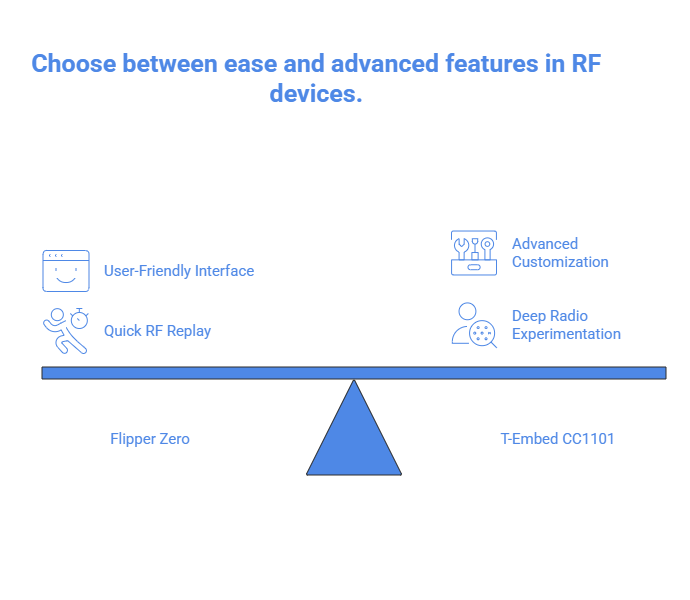
Conclusion: Both devices can capture and replay sub-GHz signals, but Flipper Zero is more turnkey. Flipper’s UI makes copying a remote fast and easy. The T-Embed CC1101 is more of a hacker’s radio module: it can do everything Flipper does plus advanced tasks (spectrum analysis, jamming, custom protocols), but it requires a custom firmware and more tinkering. For quick RF replay, Flipper is simplest; for deep radio experimentation, T-Embed has the edge.
Infrared Spoofing
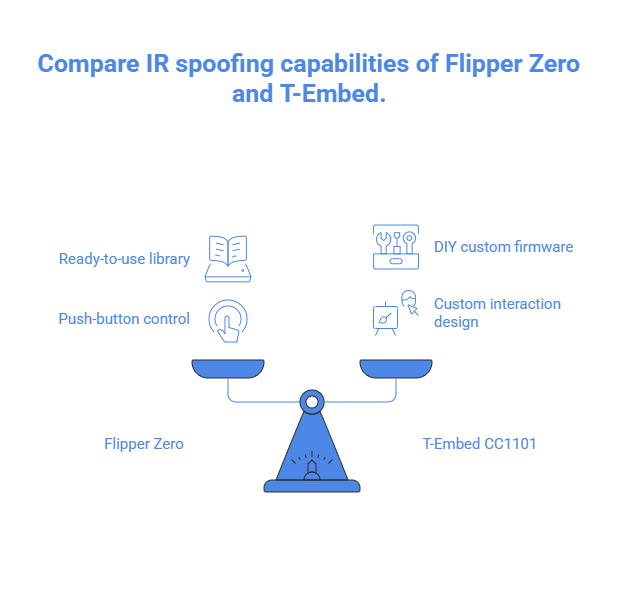
- Flipper Zero: Flipper Zero includes both an IR receiver and three IR LEDs. It has a built-in library of common TV/AC remote codes and can also learn new ones. Using the menu, you can capture (learn) a remote’s signal and then replay it at will. This works out of the box – Flipper even shares learned signals via its community database. Infrared cloning on Flipper is straightforward: select a device, learn, and save. It also has “TV-B-Gone” style functions to blast many codes.
- T-Embed CC1101: The T-Embed board also has an IR LED and sensor. With Bruce firmware it can send IR signals (it includes a “TV-B-Gone” mode and can learn/emit custom IR protocols like NEC, RC5, SIRC, etc.). CapibaraZero has an IR section too. However, there’s no polished out-of-box IR library like Flipper’s – you typically need to use the LCD menu or scripts. It’s totally capable of sending and receiving IR (even power cycling devices), but you’ll be designing more of the interaction yourself rather than just tapping an icon.
Conclusion: For IR remote spoofing, Flipper Zero is ready to go with minimal fuss and a large code library. The T-Embed CC1101 can absolutely send/learn IR (via Bruce/Capibara or custom code), but it’s more of a DIY task. In short, Flipper excels at “push-button” IR control; T-Embed can do it too but mainly in a custom firmware environment.
Wi-Fi Attacks
- Flipper Zero: Flipper Zero does not have built-in Wi-Fi. The stock device can only use Bluetooth Low Energy (e.g. to sync with a phone), but it cannot scan, sniff, or attack Wi-Fi networks on its own. There is a Wi-Fi development board accessory for Flipper, but it’s not a standard part of the kit. In everyday pentesting, Flipper Zero is essentially useless for Wi-Fi.
- T-Embed CC1101: The T-Embed CC1101 is based on an ESP32-S3, which has full Wi-Fi (802.11 b/g/n). With Bruce firmware, it supports classic Wi-Fi pentest tools: AP scanning, deauthentication attacks, EvilAP (captive portal), wardriving, and even advanced tasks like MDK3 beacon spam. CapibaraZero similarly includes Wi-Fi scans, sniffer (PCAP dump), EvilPortal creation, and monitor mode. In practice, a T-Embed running Bruce or Capibara can be used like a pocket Pineapple – it can find networks, launch deauth, or host rogue access points. All of this is impossible on a stock Flipper.
Conclusion: T-Embed CC1101 wins Wi-Fi hands down. Its onboard ESP32 handles Wi-Fi attacks natively with support from Bruce/Capibara. Flipper Zero simply has no Wi-Fi radio, so it can’t perform wireless network pentests without extra hardware. If Wi-Fi is on your checklist, the T-Embed (or similar ESP32 hack devices) is the tool to pick.

Overall Comparison: In summary, Flipper Zero shines for quick and easy hacking of RFID/NFC, IR, and common sub-GHz devices. It’s a turnkey pentesting gadget: no computer needed, intuitive UI, and ample community apps. The T-Embed CC1101 is more of a developer’s board: it offers everything Flipper has and more (built-in Wi-Fi/BLE, a color screen, expandable hardware), but you need to flash it with firmware like Bruce or Capibara and learn its interface. For a casual user or quick field work, Flipper Zero’s seamless workflows and built-in support make it the easier pick. For a power user or red teamer who wants to script custom attacks (Wi-Fi deauth, BLE bombs, custom RF signals, etc.), the T-Embed CC1101 (with its ESP32 brain) provides far more flexibility.
Ultimately, both tools complement each other in a pentester’s toolbox. Flipper Zero is the go-to “what-the-heck can I tap next” device. The T-Embed CC1101 is ideal when you need raw radio power and the ability to code your own exploits.
